







Unified view
Quickly understand the scope and status of every issue
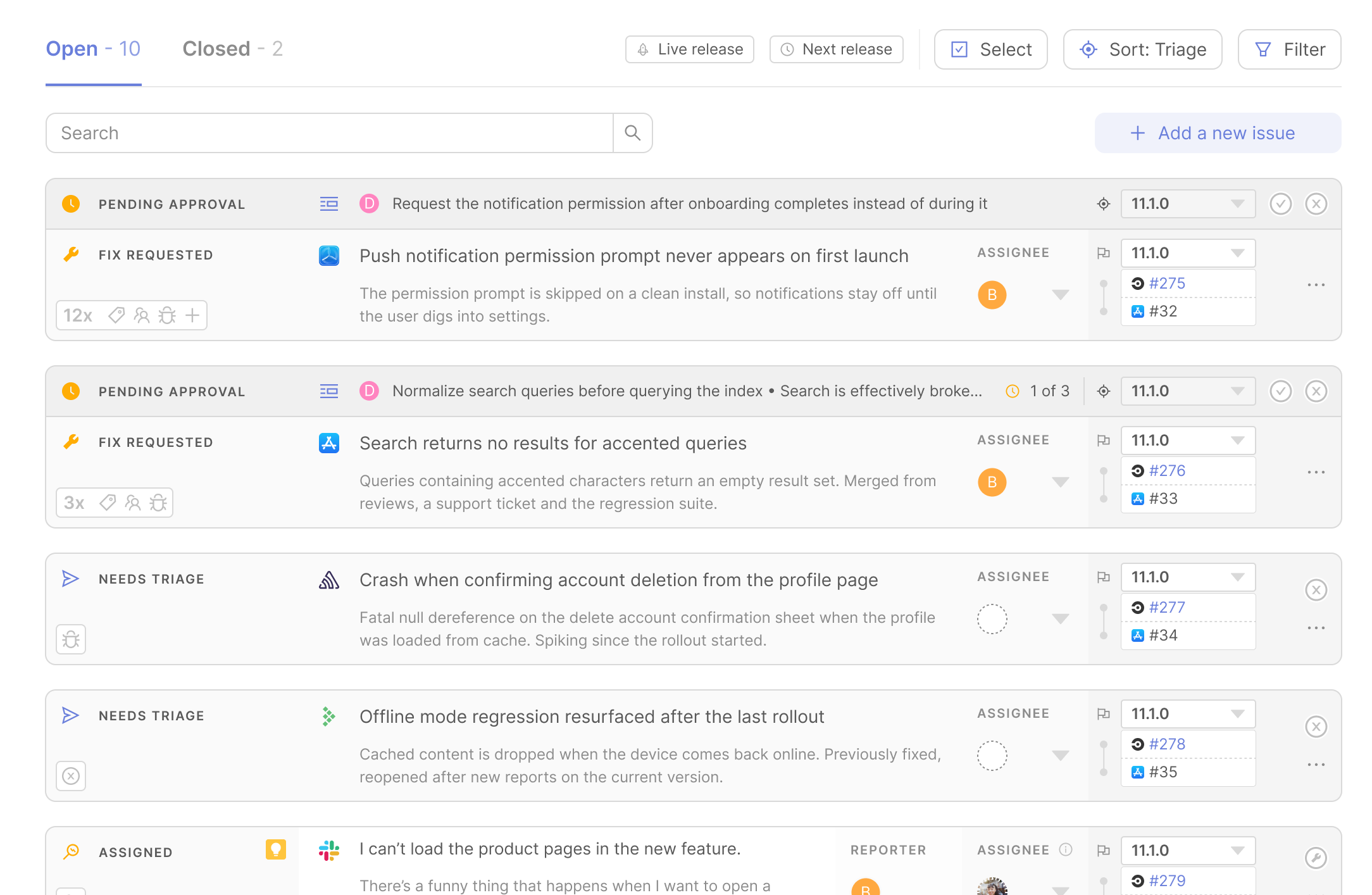
Every issue lands in a unified view, annotated with source and current state. Filter and sort by status, owner, date, or destination, and work at release level or across your entire app with the same underlying source of truth.
Automatic routing
Get issues in front of the right people for a quicker fix
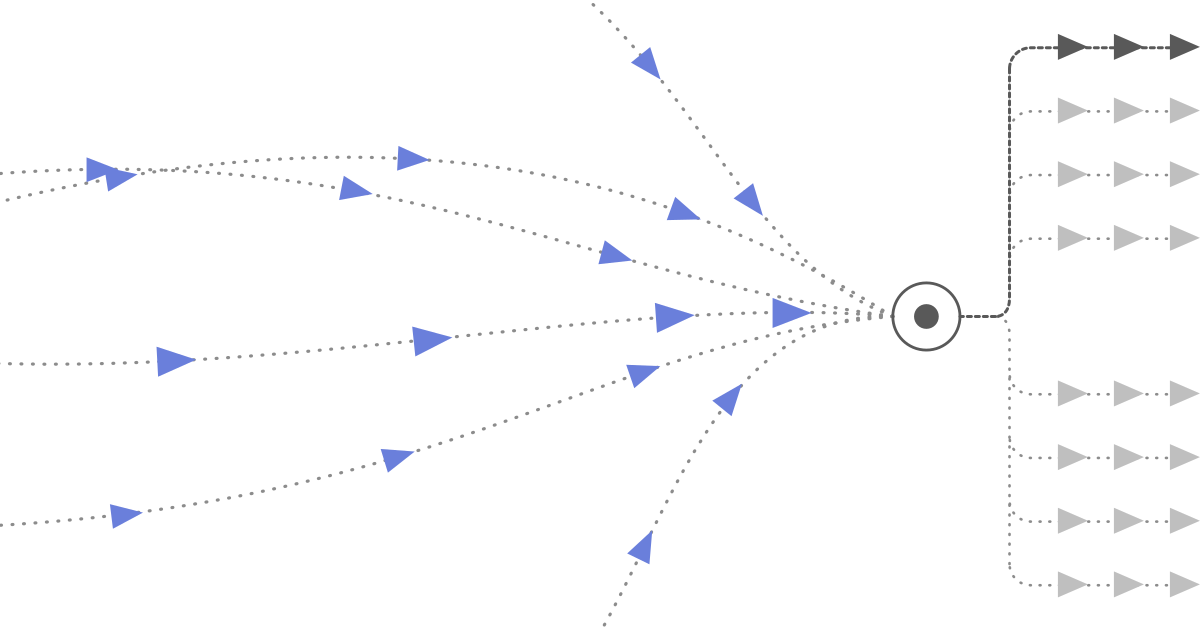
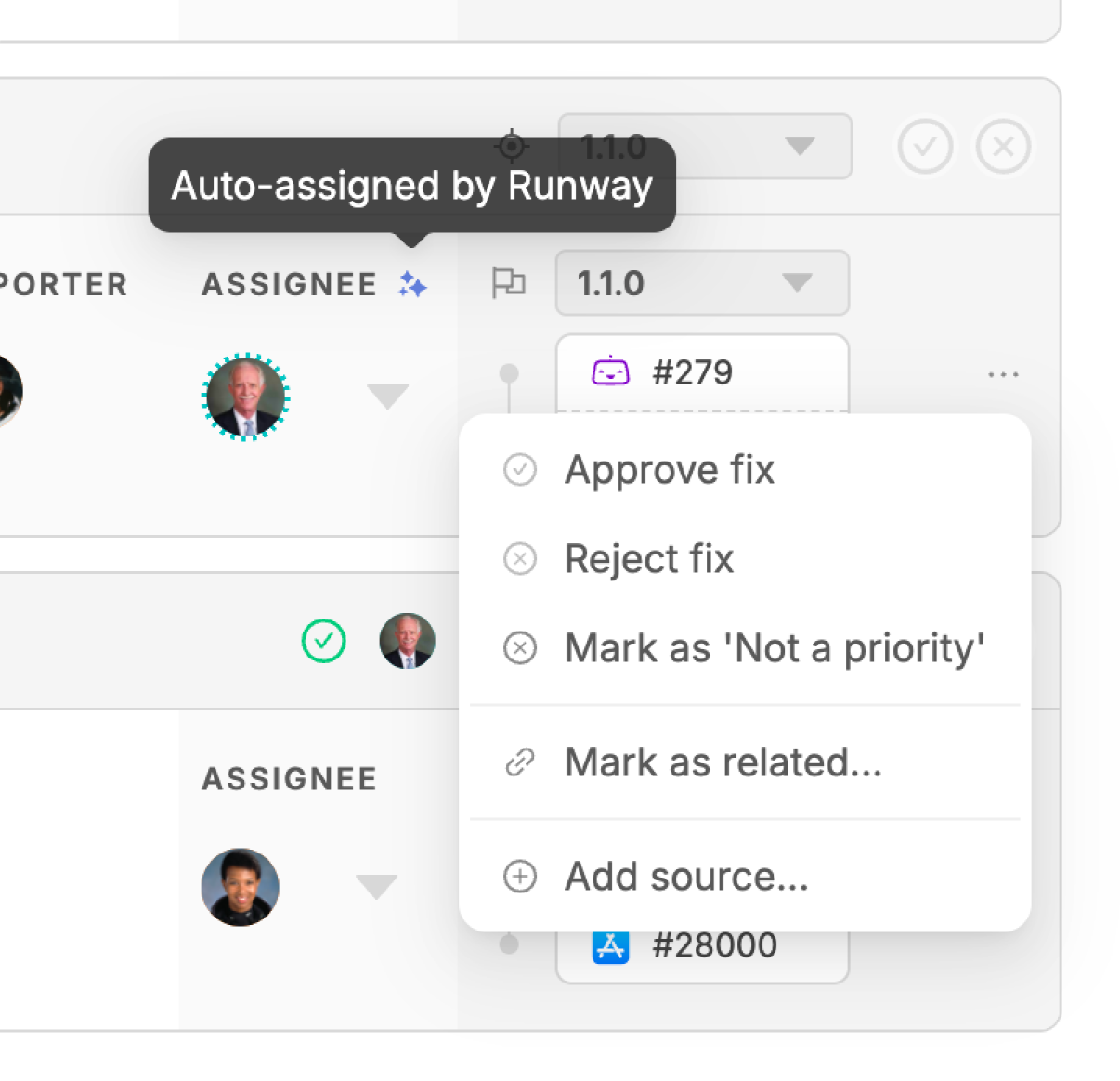
Runway looks across signals like authorship of associated PRs, owners of previous related issues, and linked tickets that already have an assignee, then suggests an owner automatically. The best fit is auto-assigned, with other candidates surfaced so you can easily override. Very soon, Runway will assign agents too — passing them full context to work on issues autonomously.
Duplicate detection
Reconcile related issues and stop retracing your steps
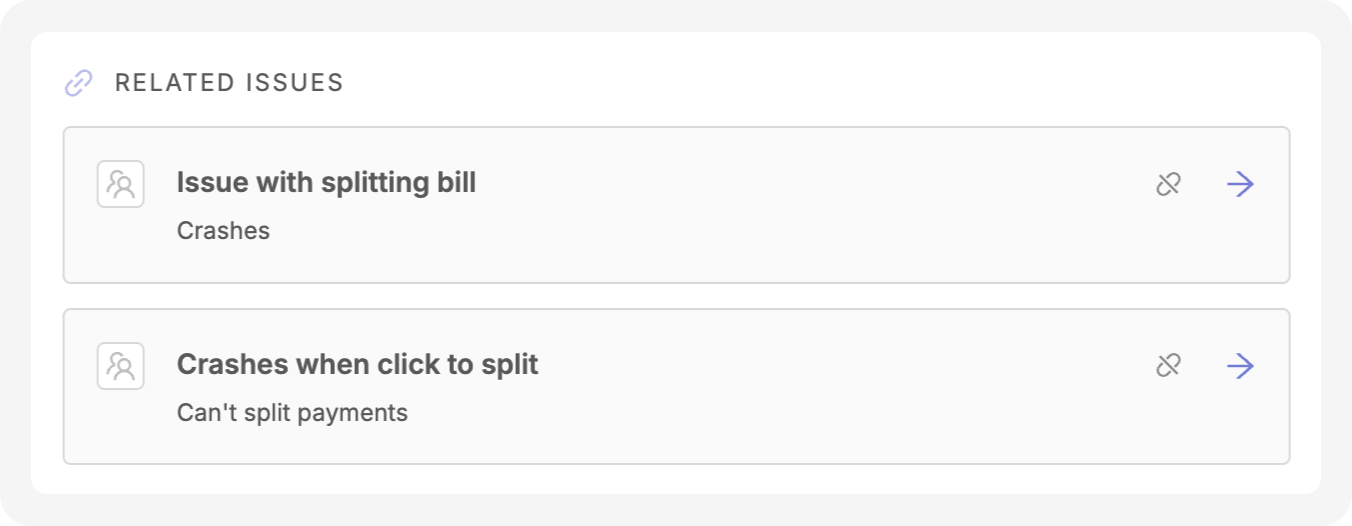
Triage checks every incoming issue against existing ones, both open and closed, to identify duplicates and related issues. Connections are surfaced along with direct links to the work items that resolved them, so your team can act on precedent instead of starting from zero.
From issue to fix
Take action with full context, all in one place
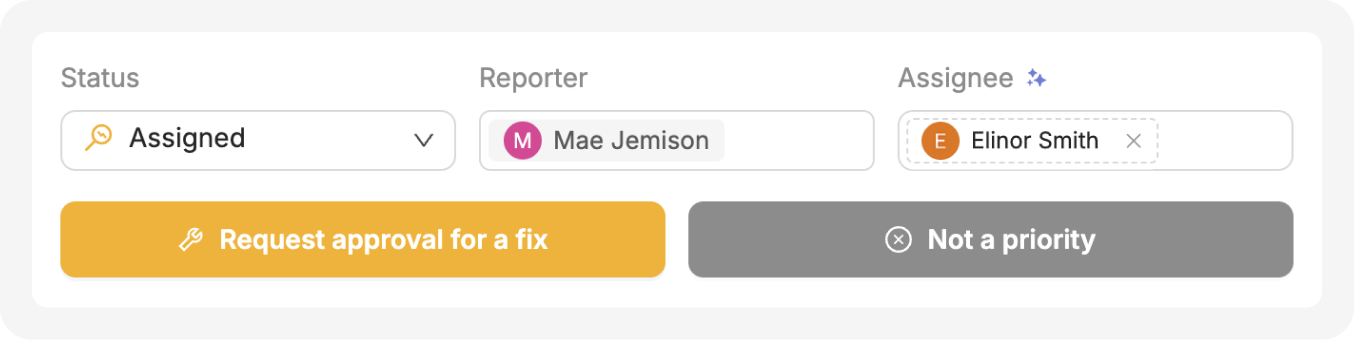
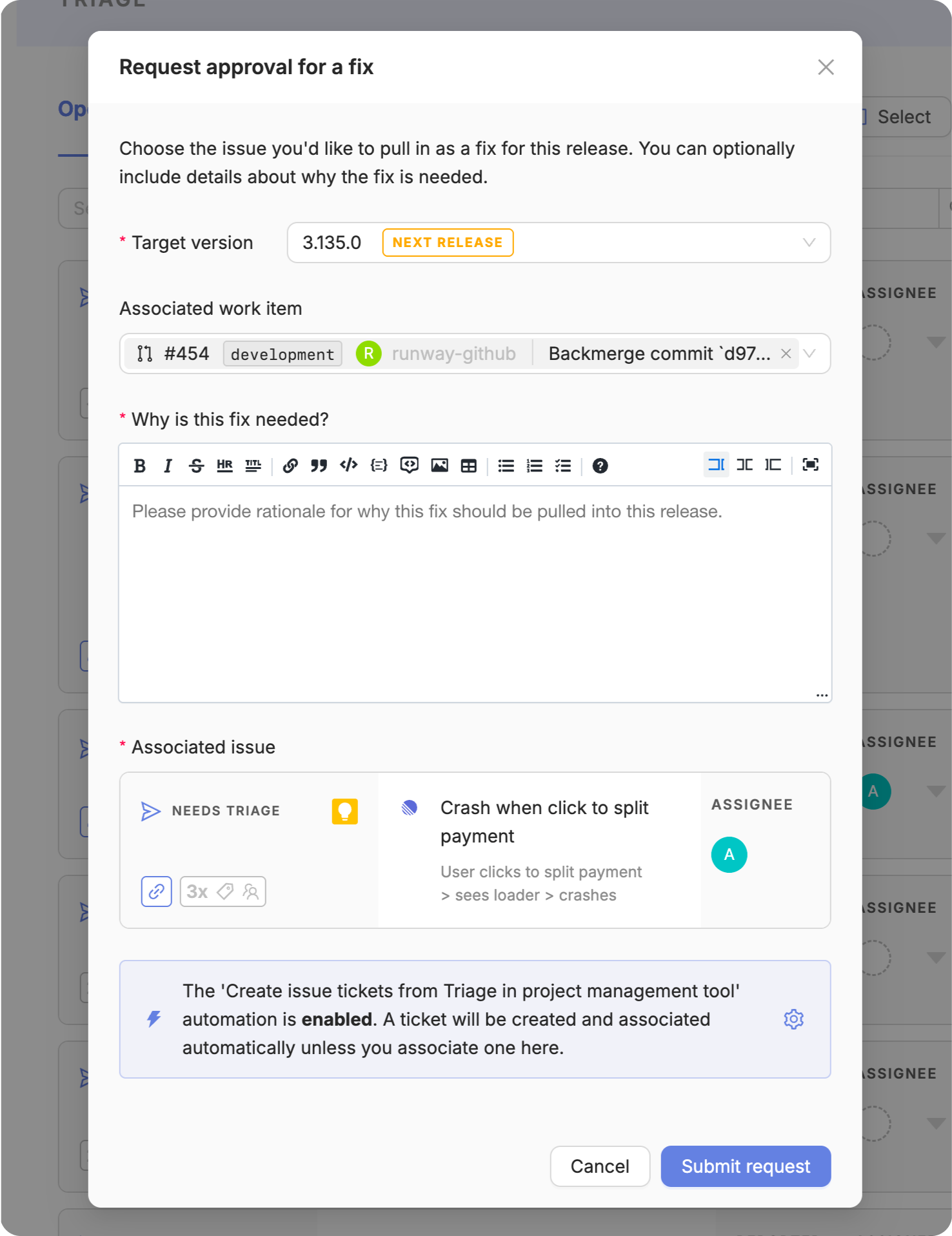
Assign a target version, create a fix request, and link a work item directly from the issue. Runway can auto-create tickets in your project management tool, update status as the fix progresses, and proactively send updates via Slack, Teams, or email along the way.
Built for your team
Designed for whoever is involved, human or agent
Triage accommodates different approaches to prioritizing and fixing issues, and the different stakeholders involved. And, with access via MCP, agents can query open issues, pick issues up to fix, and surface new issues against the same shared source of truth as the rest of your team.