Mobile teams have to deal with all kinds of issues coming in from all kinds of sources: regressions flagged by QA, feedback from beta testers, reviews from users in the app stores, new crashes, unhealthy metrics, and much more. It’s easy to lose track of important items and difficult to identify trends, prioritize properly, assign to the right owners, and ultimately get problems addressed efficiently and completely.
This firehose of issues has a real negative impact. Not just in terms of time and effort spent making sense of and acting on everything, but also due to the risk of items slipping through the cracks entirely. And the problem is growing: with AI in the picture, the volume and velocity of changes is skyrocketing, so there are more issues flowing in and it’s that much harder to trace any given issue back to its root cause.
We built Triage as the solution: a consistent, centralized, and automated “inbox” to consolidate all issues from all sources, help teams take action on those, and reduce busywork and risk throughout.
Quickly understand the scope and status of all issues
With Triage, every incoming issue lands in a single, unified view, regardless of where it came from. Each issue is annotated with context on its source, its current state, and how many times it's been detected, so you can tell at a glance what actually needs attention, what's already assigned or being worked on, and what's already resolved (both pre-release and shipped). To help navigate the volume of issues identified, you can filter or sort by status, owner, date, or destination.
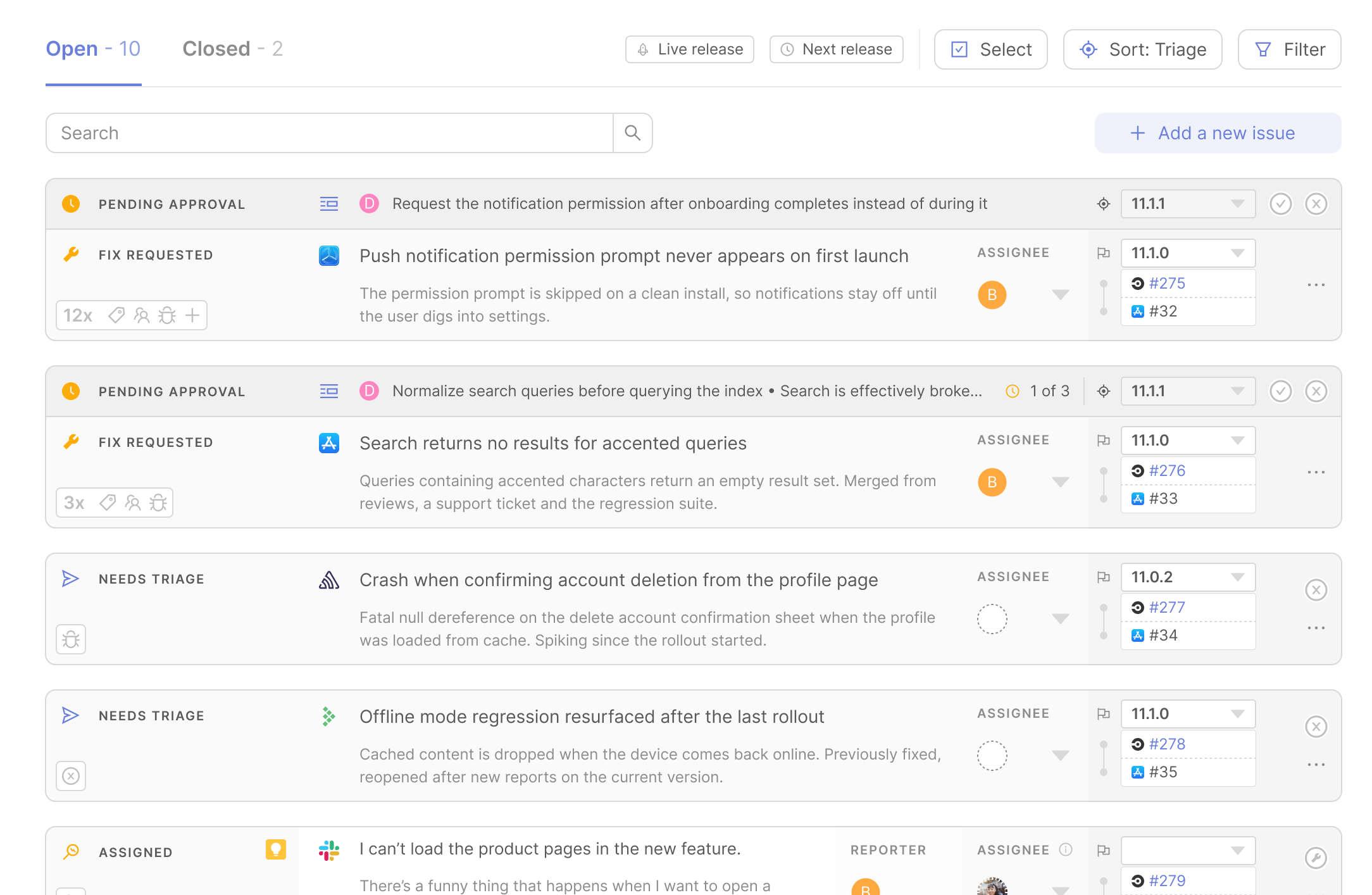
Triage is accessible both at the release level and across your entire app, so whether you're deep in triaging for a specific app version or keeping an eye on issue volume across multiple releases, you're working on top of the same underlying source of truth.
Route issues automatically, so the right people are prioritizing and resolving the right things
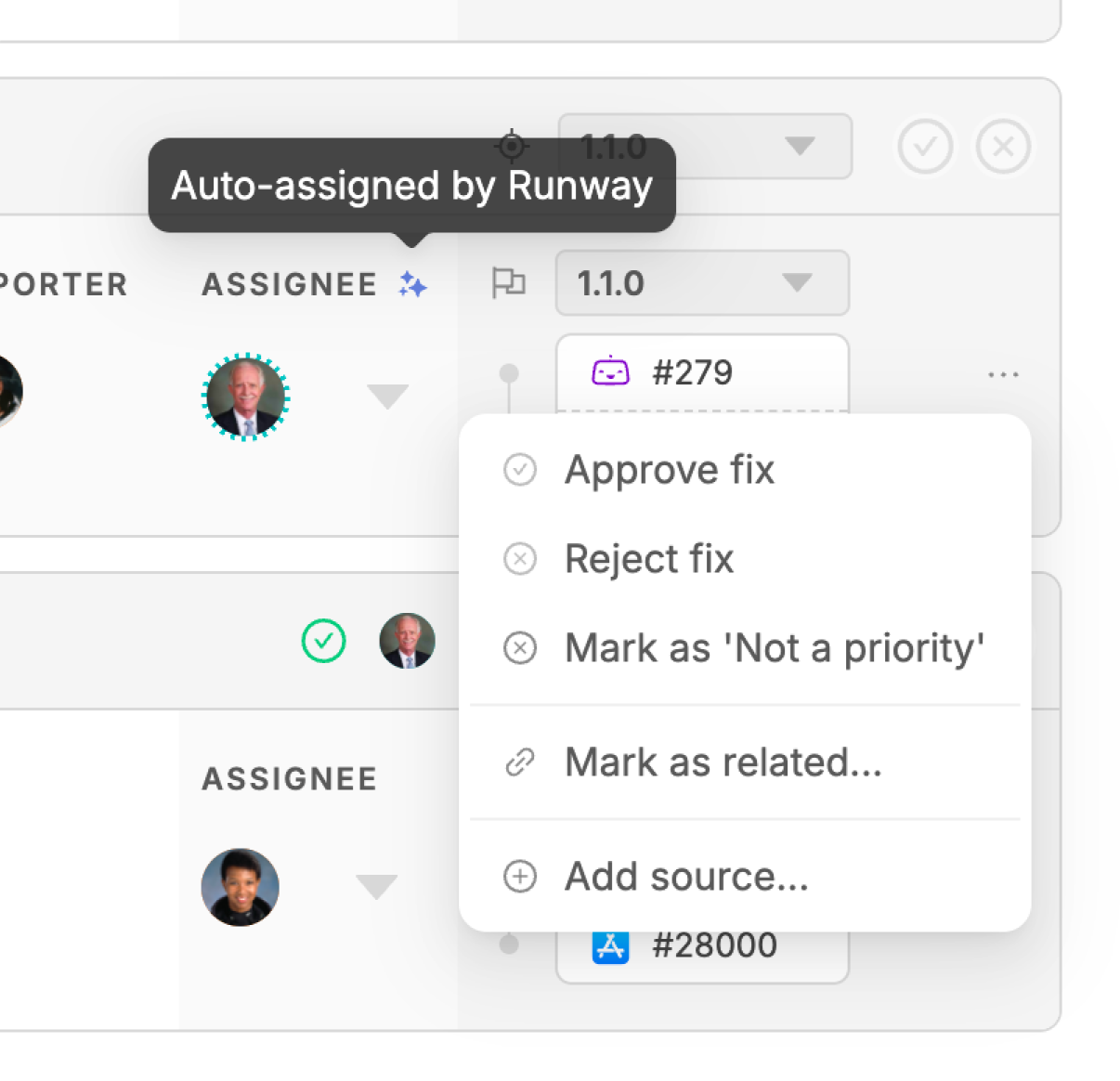
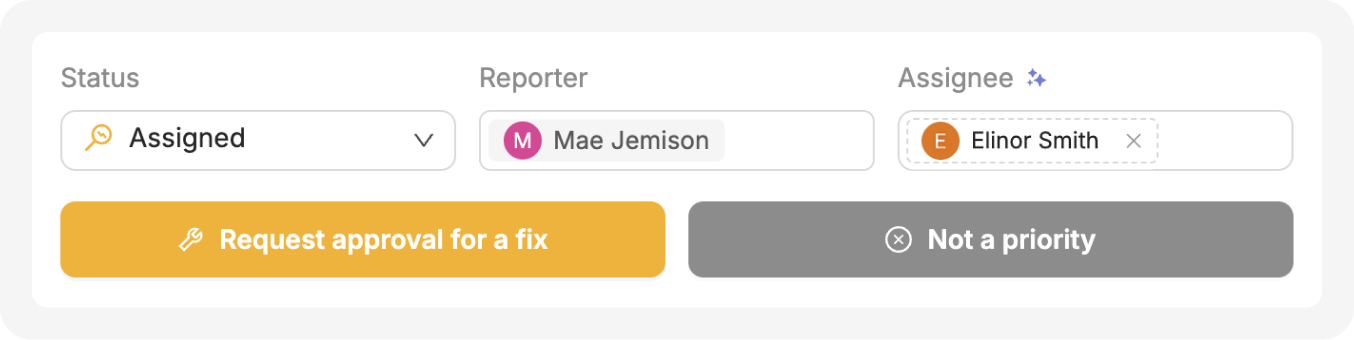
Figuring out who should own a new issue often involves a lot of back-and-forth and delays the eventual fix, so Runway can handle this assignment step for you. We look across a number of signals like authorship of associated PRs, owners of previous related issues, and linked tickets which already have an assignee, then suggest an owner automatically. If multiple possible candidates turn up, Runway will auto-assign one of them as best fit, but we’ll also show you the rest of the potential options so you can easily override the assignment if needed. Very soon, Runway will be able to assign not only humans on your team but also agents, passing them full context so they can work on issues autonomously.
Related issues are reconciled, so you can stop retracing your steps
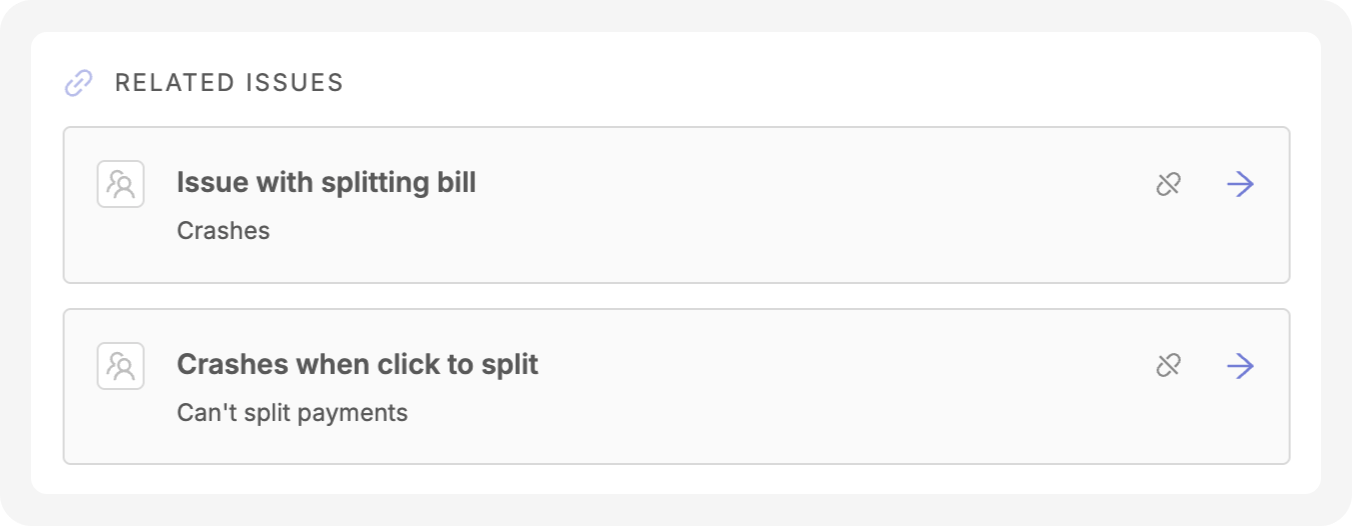
One of the most expensive habits in issue triage is re-investigating something your team has already dealt with before. Triage checks every incoming issue against existing ones, both open and closed, to identify duplicates and related issues. Triage will surface those connections, along with direct links to any work items that resolved the duplicate or related issues, so your team can act on precedent instead of starting from zero.\
Take action with full context, all in one place
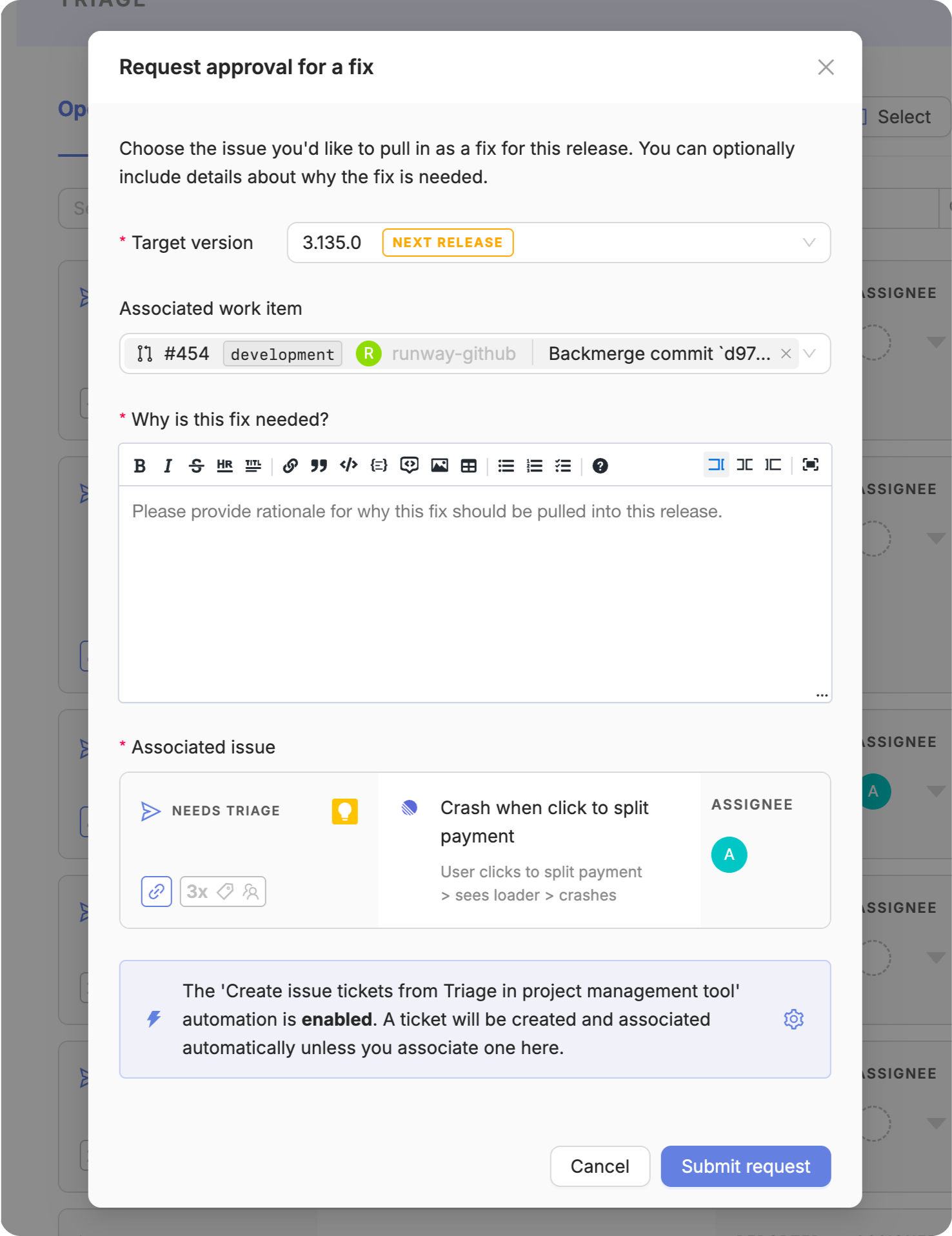
Once you're ready to act, Triage keeps you inside a single workflow instead of sending you off to other tools. You can assign a target version to an issue, create a fix request, and link that to a work item directly from the issue. If you've integrated your project management tool, Runway can create an accompanying ticket automatically, pre-filled with everything it already knows about the issue. Triage is also accessible via MCP, so agentic coding tools can query open issues before starting work or surface newly detected issues they discover, without a human in the loop relaying context back and forth. As a fix starts getting worked on, moves through review, and eventually lands in a particular release, the associated issue's status updates along the way so you don’t need to hunt for the right place to find the right info at any given point in the lifecycle. If you've configured notifications via Slack or Teams, Runway will proactively send you updates on each issue’s progress as well.
Built for however your team triages, and whoever is involved
Teams have different approaches to prioritizing and fixing issues, and stakeholders are affected by the process in different ways. Triage is designed to accommodate this diversity. For release pilots juggling regressions and tester feedback during a busy release cycle, Triage cuts through the noise to help them delegate issues and ensure open items are addressed. For QA, Triage makes it easier to get bugs in front of the right people, more quickly, and with less following up. For leadership, Triage reduces resources wasted on duplicate investigations and accelerates recovery time from detection to fix. And, as agents take on more of the team’s work, Triage gives them access to this same shared source of truth, so agentic and human contributors are able to work through issues effectively together.
To explore Triage yourself, head to our sandbox or schedule a live tour with our team!